LinkedIn Learning – Getting Started - Students
We’re excited to share LinkedIn Learning as a key feature of student support resources.
How to Access
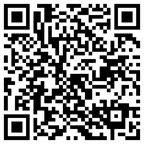
- You may access via the QR code, or from myLesley Home.
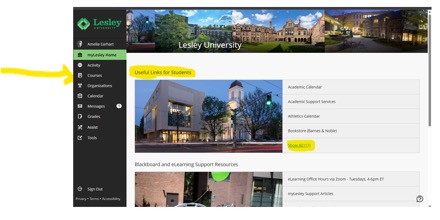
- From the myLesley Home, go to Useful Links for Students and select Show All.
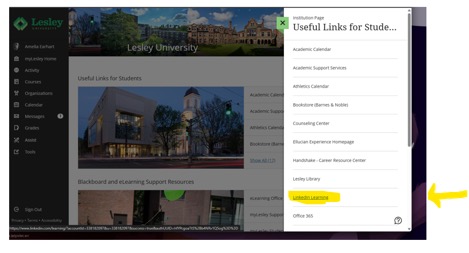
- The LinkedIn Learning link will be available on the right side of the screen. This is a direct link to LinkedIn Learning. Click Sign In, enter a Lesley e-mail and it will prompt you to log in with SSO.
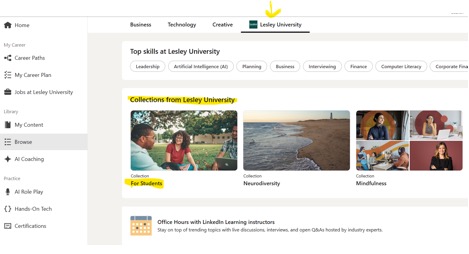
- Once you are on the LinkedIn Learning platform, you may browse for content or dive into a Collection under Lesley University.