Here are instructions for getting information about the operating system of your computer.
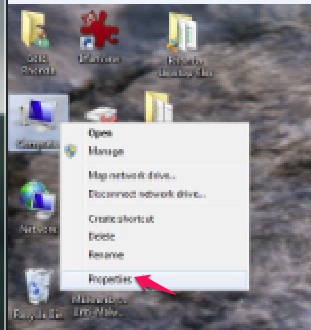
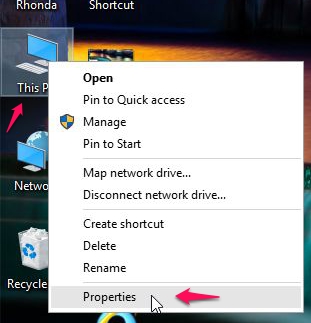
- Right-click on your Computer icon (usually a Windows 7 icon) or your This PC icon (usually a Windows 10 icon) and click on Properties from the menu that pops up.
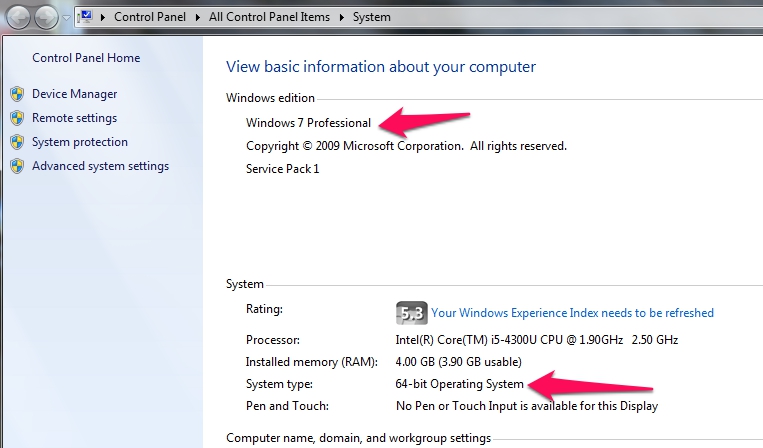
- You can see the basic information about your computer in the window that opens.
or...
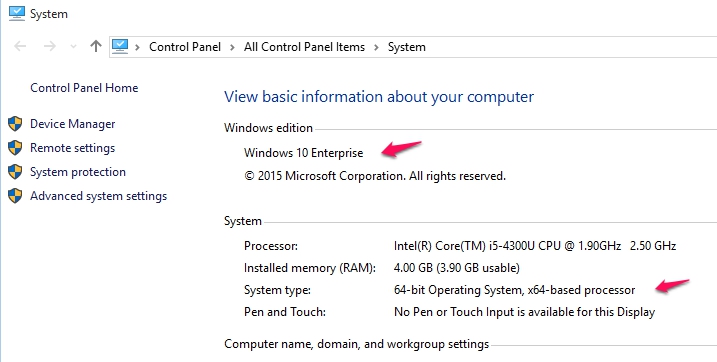
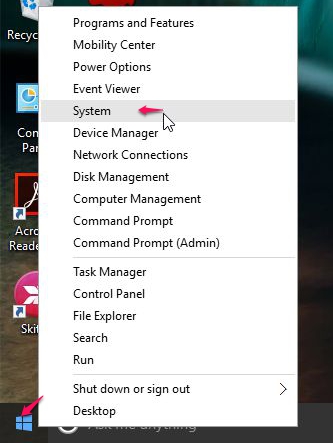
You can also find information about your operating system by right-clicking on your Windows 10 icon in the bottom left-hand corner of your screen, then choosing System.
You can click on the Windows 7 icon, go to the Control panel and choose the System icon to get information about your operating system. The Windows 7 icon looks like this: